

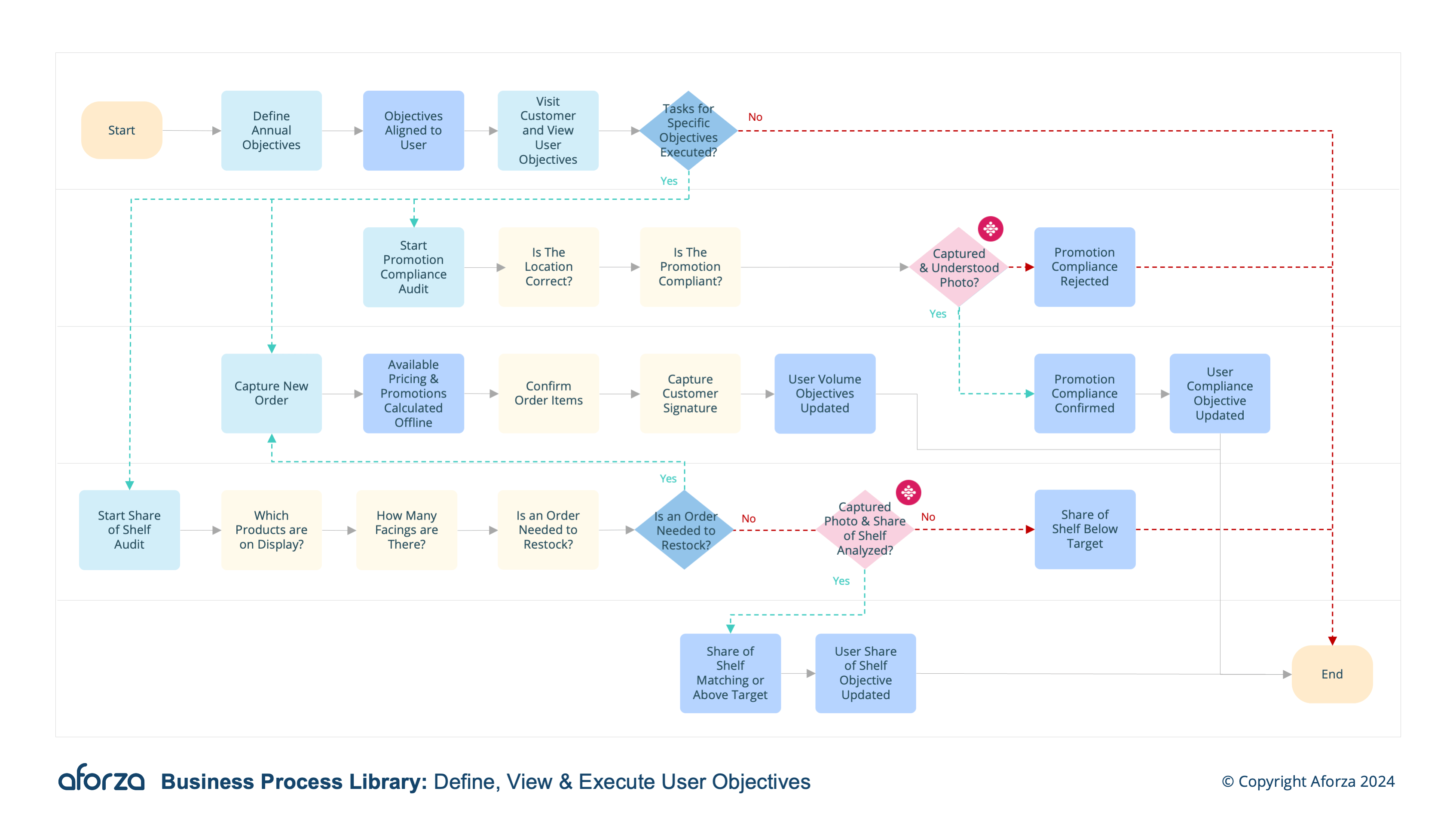
Business Process Overview
- Define annual objectives with management.
- View the annual objective on mobile.
- Execute tasks that contribute to meeting objectives.
- Track progress against objectives on mobile device.
- Reward based on objective performance.
Key insights captured include objective definitions, progress tracking, and performance metrics. This structured approach ensures clarity, accountability, and motivation for field users, as their efforts are systematically evaluated and rewarded, fostering a culture of excellence and goal attainment within the organization.

1. Define Annual Objectives With Management
This step is collaboration to establish clear, measurable objectives.
- Conduct objective-setting meetings.
- Identify key performance indicators (KPIs).
- Set realistic and achievable goals.
- Document objectives in the system.
- Ensure alignment with organizational strategy.

2. View the Annual Objective on Mobile
This step accesses and reviews objectives anytime, anywhere.
- Open the objectives app on the mobile device.
- Navigate to the annual objectives section.
- Review detailed descriptions of each objective.
- Check associated KPIs and deadlines.
- Confirm understanding and acceptance of objectives.

3. Execute Tasks That Contribute to Meeting Objectives
This step performs daily tasks that align with set objectives.
- Break down objectives into actionable tasks.
- Prioritize tasks based on impact and deadlines.
- Use task management tools on the mobile device.
- Complete tasks efficiently and effectively.
- Report task completion and any issues encountered.
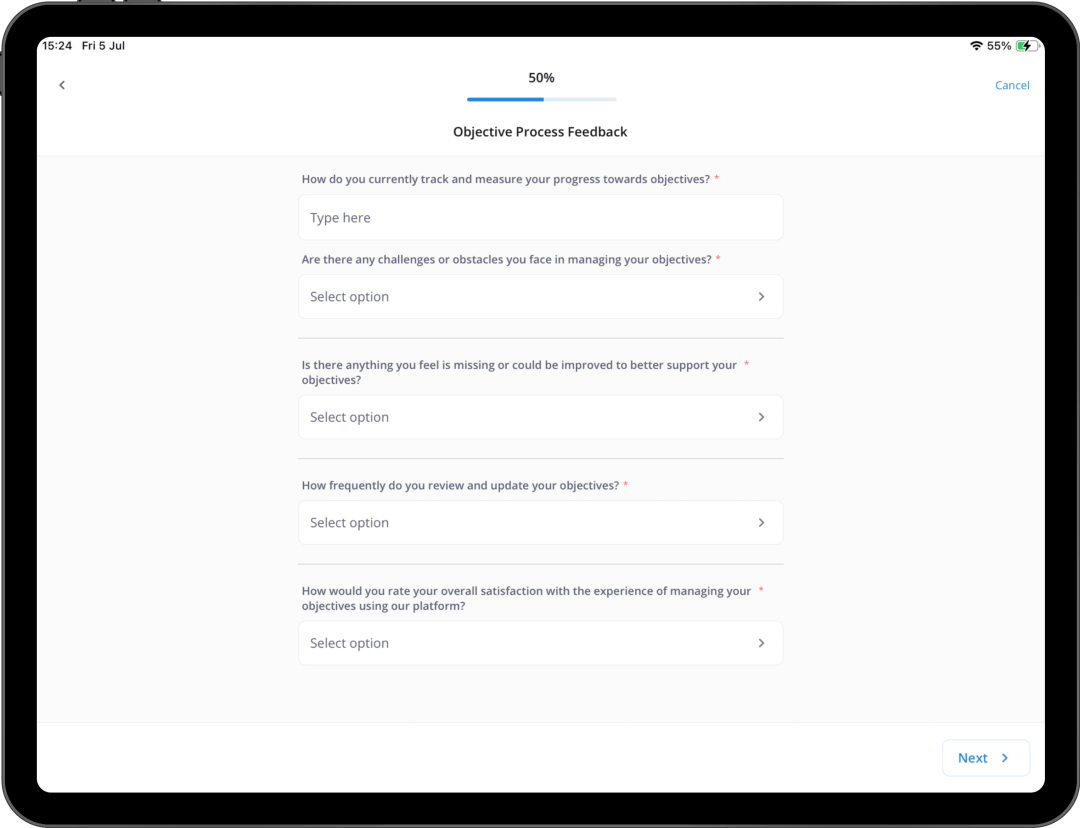
4. Track Progress Against Objectives on Mobile Device
This step monitors real-time progress towards objectives.
- Access the progress tracking feature.
- View progress bars and performance metrics.
- Compare current performance against targets.
- Identify areas needing improvement.
- Adjust strategies and tasks as necessary.

5. Reward Based on Objective Performance
This step is receiving recognition and rewards for meeting objectives.
- Review performance reports with management.
- Discuss achievements and areas for growth.
- Receive performance-based rewards.
- Celebrate milestones and successes.
- Plan for continuous improvement and future objectives.
Get Started Today
Click here to download the process flow and supporting guide. This download includes the flow that can be installed as an Aforza Guided process, along with all supporting materials to ensure successful implementation and adherence to best practices.